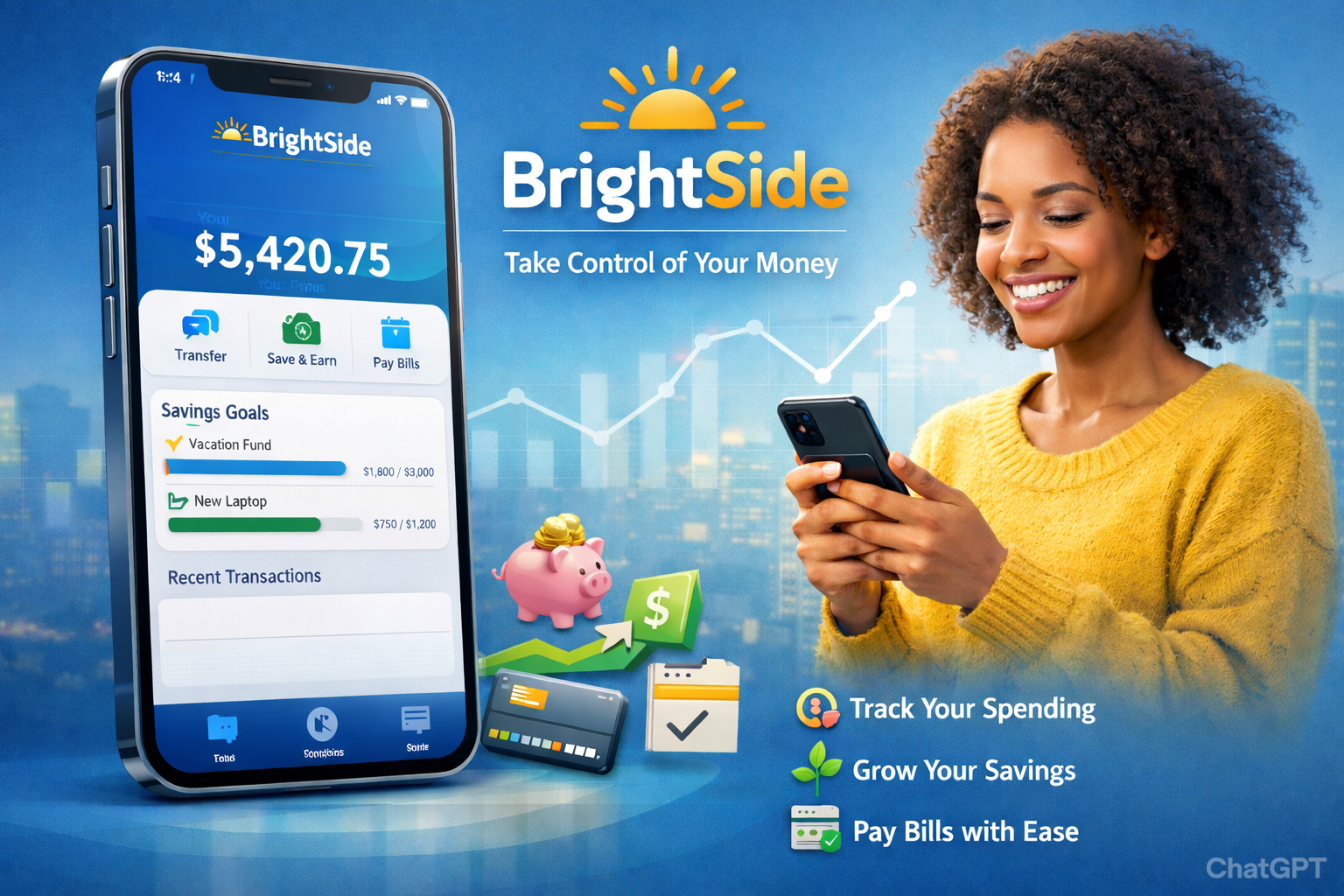
Managing money effectively has become more important than ever, and digital tools are playing a central role in helping individuals gain control over their finances. The Brightside financial app is designed to support users with budgeting, debt management, and financial wellness tools in one secure mobile platform. Built to reduce financial stress and improve long-term stability, the app provides structured guidance rather than just basic transaction tracking.
Developed by Brightside, the platform focuses on improving financial health through personalized insights, employer-supported programs, and easy-to-use digital tools.
Brightside Financial App
The Brightside financial app is a mobile-based financial wellness platform that helps individuals monitor spending, manage debt, access assistance programs, and receive personalized financial guidance. Unlike traditional banking apps that focus primarily on deposits and withdrawals, this app emphasizes financial improvement and long-term money management.
The Brightside financial app is a digital financial wellness platform that helps users track expenses, manage debt, build budgets, and access financial assistance programs. It provides personalized guidance, secure login access, and real-time financial insights, empowering individuals to reduce financial stress and improve long-term money stability.
Purpose and Mission of the Brightside Financial App
The primary mission behind the Brightside financial app is to:
- Improve financial literacy
- Reduce debt-related stress
- Provide access to financial support resources
- Encourage responsible budgeting habits
- Promote long-term financial stability
The app is often integrated into employer-sponsored financial wellness programs, allowing employees to access structured financial support alongside workplace benefits.
Core Features of the Brightside Financial App
The app combines practical financial tools with supportive guidance to help users stay on track.
1. Budget Tracking & Expense Monitoring
Users can:
- Categorize spending (housing, groceries, transportation, etc.)
- Monitor income versus expenses
- Set monthly budget limits
- Identify overspending patterns
This feature promotes awareness and helps users make informed financial decisions.
2. Debt Management Dashboard
The Brightside financial app includes tools that allow users to:
- Track outstanding balances
- Monitor repayment progress
- View loan timelines
- Estimate payoff dates
By visualizing debt reduction progress, users stay motivated and focused on achieving financial freedom.
3. Personalized Financial Guidance
The app analyzes financial patterns and offers tailored recommendations, such as:
- Reducing discretionary spending
- Adjusting budget categories
- Creating emergency savings goals
- Planning debt repayment strategies
This personalized approach sets the app apart from standard financial tracking tools.
4. Financial Assistance & Resource Access
Eligible users may gain access to:
- Employer-sponsored assistance programs
- Emergency financial resources
- Budget counseling tools
- Debt support options
This feature is especially valuable for individuals facing short-term financial hardship.
5. Real-Time Alerts & Notifications
To prevent missed payments or financial setbacks, the app provides:
- Payment reminders
- Budget limit alerts
- Account activity notifications
- Goal progress updates
These reminders help users stay proactive instead of reactive when managing finances.
Also Read: Reach Financial Login App: Securely Manage Your Payments Stress-Free
How the Brightside Financial App Differs from Traditional Banking Apps
| Feature | Brightside Financial App | Traditional Banking App |
|---|---|---|
| Budget Coaching | Yes | Limited |
| Debt Reduction Guidance | Yes | Usually No |
| Assistance Program Access | Yes | Rare |
| Transaction Monitoring | Yes | Yes |
| Financial Wellness Focus | Strong | Minimal |
Unlike standard banking apps that primarily display balances and transactions, the Brightside financial app focuses on improving overall financial health and behavioral change.
Who Should Use the Brightside Financial App?
The app is ideal for:
- Employees enrolled in workplace financial wellness programs
- Individuals struggling with budgeting
- Users aiming to reduce debt
- Anyone seeking structured financial planning support
- Individuals wanting greater visibility into their finances
Whether someone is beginning their financial journey or working to recover from debt, the app provides structured tools to support progress.
Security and Data Protection
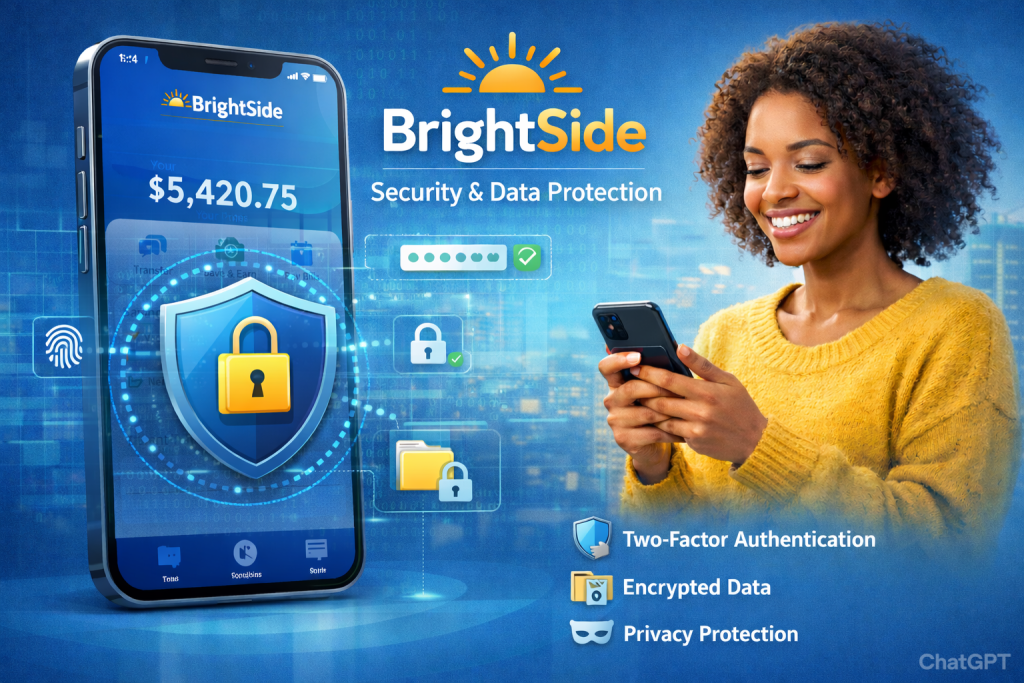
Financial data security is critical in any digital platform. The Brightside financial app incorporates:
- Encrypted data transmission
- Secure login authentication
- Multi-factor verification processes
- Regular system monitoring
Users are encouraged to:
- Use strong, unique passwords
- Enable additional authentication layers
- Avoid accessing financial accounts on unsecured public Wi-Fi
These measures ensure that personal and financial information remains protected.
Key Benefits of Using the Brightside Financial App
- Encourages better budgeting habits
- Provides structured debt reduction support
- Reduces financial anxiety
- Offers real-time financial visibility
- Connects users to financial assistance resources
- Promotes long-term financial stability
By combining education, tracking, and personalized support, the app moves beyond simple money management into financial empowerment.
Summary
In this section, we covered:
- A complete overview of the Brightside financial app
- Its mission and financial wellness focus
- Core features including budgeting, debt tracking, and assistance programs
- Security measures and login protection
- Key benefits for users seeking financial stability
Brightside Financial App: Advanced Features, Login Guide & Expert Tips
In Section One, we explored what the Brightside financial app is and how it supports financial wellness. In this section, we’ll go deeper into advanced features, login instructions, troubleshooting steps, expert strategies, and common mistakes to avoid — helping users maximize the full potential of the app while staying secure and financially confident.
The platform, developed by Brightside, goes beyond basic budgeting by combining financial coaching tools with structured digital support.
How to Download and Log In to the Brightside Financial App
Step 1: Download the App
The Brightside financial app is available for:
- iOS devices (Apple App Store)
- Android devices (Google Play Store)
Ensure your device software is updated for optimal performance and security.
Step 2: Create an Account
To access the app:
- Open the app after installation
- Enter your registered email address
- Verify your identity via email or SMS code
- Create a strong, secure password
Some users may need employer enrollment credentials if the app is provided through a workplace financial wellness program.
Step 3: Secure Login
After registration:
- Enter your email/username and password
- Complete multi-factor authentication (if prompted)
- Enable biometric login (fingerprint or Face ID) if supported
This ensures safe and convenient access to your financial dashboard.
Advanced Features of the Brightside Financial App
1. Smart Budget Recommendations
The app analyzes your financial patterns and may suggest:
- Adjustments to spending categories
- Savings goal improvements
- Debt payoff acceleration strategies
- Risk reduction recommendations
This data-driven guidance helps users make proactive financial decisions.
2. Goal-Based Financial Planning
Users can set:
- Emergency fund goals
- Debt-free milestones
- Monthly savings targets
- Long-term financial objectives
Visual progress indicators keep motivation high and encourage consistency.
3. Financial Stress Reduction Tools
The Brightside financial app focuses heavily on reducing anxiety around money by offering:
- Clear financial summaries
- Structured repayment plans
- Guided budgeting frameworks
- Resource access for urgent financial needs
This holistic approach supports both financial stability and peace of mind.
4. Real-Time Financial Monitoring
The app dashboard provides:
- Up-to-date balance summaries
- Spending breakdowns
- Payment reminders
- Progress reports
Users gain immediate visibility into their financial status, preventing surprises.
Troubleshooting Common Issues
Even secure financial apps may encounter occasional technical issues. Here’s how to resolve them:
Forgot Password
- Use the “Forgot Password” option
- Verify email or phone number
- Create a new secure password
App Not Loading
- Check internet connection
- Update to the latest version
- Restart the device
Login Errors
- Confirm correct credentials
- Clear app cache
- Ensure multi-factor authentication is completed
If issues persist, contact Brightside support through official channels.
Security Best Practices
To keep your financial data protected:
- Use a strong, unique password
- Enable multi-factor authentication
- Avoid logging in on public Wi-Fi
- Log out after use on shared devices
- Monitor account activity regularly
The Brightside financial app uses encrypted data transmission and secure authentication protocols to maintain high security standards.
Strategic Tips for Maximizing the Brightside Financial App
To get the most out of the platform:
- Review your dashboard weekly
- Adjust budget categories as income changes
- Track debt repayment consistently
- Use assistance resources proactively
- Set realistic and measurable financial goals
- Enable all notifications to avoid missed updates
Consistency is key to improving financial outcomes.
Common Mistakes to Avoid
- Ignoring spending alerts
- Not updating income or expense information
- Skipping financial goal setup
- Using weak passwords
- Failing to monitor debt progress
Avoiding these mistakes ensures you fully benefit from the Brightside financial app.
FAQs
1. Is the Brightside financial app free to use?
Access to the app may depend on employer partnerships or eligibility programs. Some users receive access through workplace financial wellness initiatives.
2. Can I track multiple debts in the app?
Yes, the app allows users to track various loans and repayment schedules in one dashboard for better organization and clarity.
3. Does the app replace a bank account?
No. The Brightside financial app is a financial wellness and guidance platform, not a traditional banking institution.
4. How secure is my financial information?
The app uses encryption, secure authentication, and monitoring systems to protect sensitive user data.
5. Can the app help reduce financial stress?
Yes. Through budgeting tools, structured repayment plans, and personalized guidance, the app is designed to reduce financial anxiety and promote stability.
References
- Brightside – Official Website: https://www.gobrightside.com/
- Apple App Store – https://www.apple.com/app-store/
- Google Play Store – https://play.google.com/
- Consumer Financial Protection Bureau – https://www.consumerfinance.gov/
Disclaimer:
The content provided is for informational purposes only and does not constitute financial, investment, legal, or tax advice. While efforts are made to ensure accuracy, no guarantees are given regarding completeness or reliability. Any action you take upon the information is strictly at your own risk. We recommend consulting a licensed financial advisor or professional before making financial decisions.