The Roadrunner Financial App allows borrowers to securely manage their loan accounts online. Users can view balances, track repayment schedules, make payments, set up AutoPay, and update personal details. Access is provided via the official web portal on desktop and mobile devices, ensuring encrypted sessions and secure account management.
Roadrunner Financial App
The Roadrunner Financial App is an online borrower portal that provides secure access to personal installment loans. Operated by the financial services company Roadrunner Financial, the app is designed to let approved borrowers monitor their loan accounts, make payments, and manage repayment schedules through a browser-based or mobile-optimized interface.
Overview of Roadrunner Financial Services
- Unsecured personal installment loans
- Fixed payment schedules
- Online account management via the Roadrunner Financial App
- AutoPay setup and payment reminders
Loan Products Offered
| Feature | Description |
|---|---|
| Loan Type | Unsecured personal installment loan |
| Repayment Structure | Fixed monthly payments |
| Term Length | Predefined repayment period |
| Interest Rate | Fixed APR disclosed at origination |
| Account Access | Roadrunner Financial App |
How to Access the Roadrunner Financial App
The Roadrunner Financial App is primarily browser-based, allowing borrowers to log in through secure desktop and mobile browsers. There is no widely distributed standalone mobile application at this time, so all account management is performed through the official website portal.
Step-by-Step Login Process
- Navigate to the official Roadrunner Financial website.
- Click “Login” or “Account Access.”
- Enter registered email and password.
- Complete verification steps if prompted.
- Access your borrower dashboard securely.
Login Access Methods Comparison
| Access Method | URL Required | Mobile Friendly | App Store Availability |
|---|---|---|---|
| Desktop Browser | Yes | Yes | No |
| Mobile Browser | Yes | Yes | No |
| Standalone App | Not publicly listed | N/A | Not listed |
First-Time Registration and Account Setup
Eligibility Requirements
- Must be an approved Roadrunner Financial borrower
- Valid email address
- Identity verification during onboarding
- Creation of secure password
Verification Process
Verification may include:
- Date of birth confirmation
- Partial Social Security number verification
- One-time verification code via email
Required Registration Information
| Information Required | Purpose |
|---|---|
| Email Address | Login & communication |
| Date of Birth | Identity confirmation |
| Loan Reference Info | Account matching |
| Password | Secure authentication |
Roadrunner Financial App Login Issues & Solutions
Forgot Password
- Click “Forgot Password”
- Enter registered email
- Receive reset link
- Create a new password following security best practices
Locked Account
- Multiple failed login attempts can lock accounts
- Contact customer support for verification
- Wait for the lockout period if applicable
Browser Compatibility
- Clear cache and cookies
- Update browser
- Try a different browser if issues persist
Managing Your Loan Through the Roadrunner Financial App
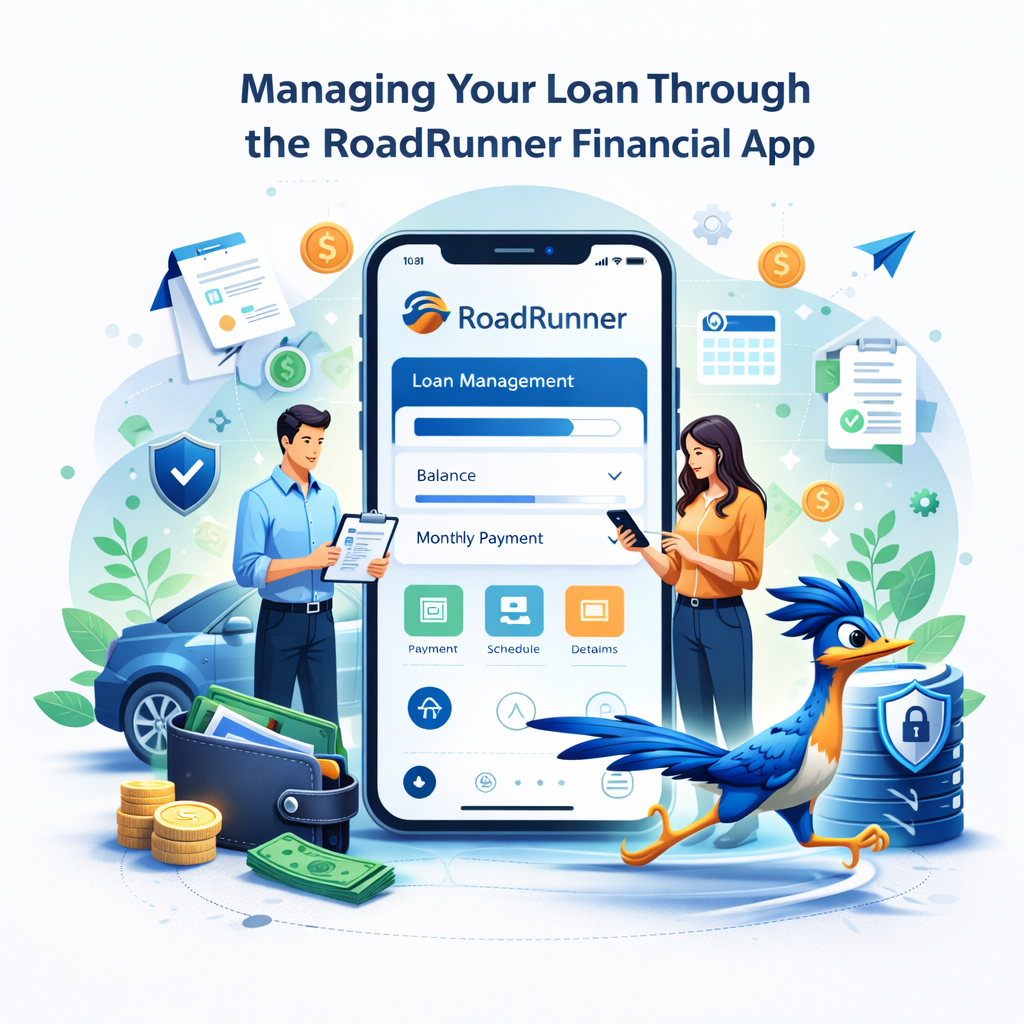
Viewing Loan Balance
- Remaining principal
- Payment due dates
- Upcoming installment amounts
- Payment history
Making Payments
- One-time or recurring payments
- Link bank account for AutoPay
- Payment confirmation available immediately
Dashboard Features
| Feature | Function |
|---|---|
| Balance Tracker | Displays remaining loan balance |
| Payment Portal | One-time or scheduled payments |
| AutoPay Setup | Automatic withdrawals |
| Statements | Downloadable PDF statements |
| Profile Settings | Update contact & bank info |
Security Features of the Roadrunner Financial App
- SSL/TLS encryption for all sessions
- Secure authentication and verification
- Compliance with federal consumer protection regulations
- Best practices: strong passwords, log out after use, monitor statements
Also Read: Personify Financial Login App – Secure Access to Your Loan Account
Is Roadrunner Financial Legit?
The Roadrunner Financial App is part of the services offered by Roadrunner Financial, a U.S.-based online lender providing personal installment loans. The company operates under strict compliance with federal consumer finance regulations and provides secure account access through the Roadrunner Financial App.
Legitimacy indicators include:
- Transparent loan disclosures with fixed repayment schedules
- Access to secure online borrower accounts
- Regulatory compliance with federal standards
- Reliable customer support channels
Approved borrowers can manage their loans using the Roadrunner Financial App, which ensures secure account login, encrypted transactions, and full visibility of repayment schedules.
Regulatory Compliance and Oversight
Online lenders like Roadrunner Financial must adhere to:
- Truth in Lending Act (TILA) for APR and repayment disclosures
- Federal consumer protection and privacy regulations
- Anti-fraud and identity verification rules
Oversight is provided by:
- Consumer Financial Protection Bureau
- Federal Trade Commission
These agencies ensure that online lenders operate transparently, protect borrower data, and provide clear instructions for loan servicing and repayment.
Common Scam Warnings for Borrowers
Borrowers using the Roadrunner Financial App should be aware of phishing attempts and fraudulent websites.
Red Flags Include:
- Emails requesting login credentials or Social Security numbers
- Unofficial links claiming urgent account issues
- Messages from unverified domains
Best Practices:
- Always access the app through the official website
- Confirm HTTPS and secure padlock in the browser
- Do not share passwords or verification codes
Key Points
- The Roadrunner Financial App provides browser-based loan account management.
- No widely distributed standalone mobile app is available.
- Borrowers can view balances, set up AutoPay, make payments, and download statements.
- Security features include SSL/TLS encryption, identity verification, and secure sessions.
- Complies with U.S. consumer protection laws and regulatory standards.
Security Best Practices
| Best Practice | Reason |
|---|---|
| Use strong, unique passwords | Prevents unauthorized access |
| Avoid public Wi-Fi | Protects sensitive data |
| Enable notifications | Monitors suspicious activity |
| Log out after use | Prevents session hijacking |
| Review statements regularly | Detects errors or fraud |
Pros and Limitations of the Roadrunner Financial App
Advantages
- Secure, encrypted browser-based login
- Full access to loan details and repayment schedules
- Easy setup of AutoPay and payment tracking
- No app download or installation required
Limitations
- Requires internet connection
- No offline access
- Browser compatibility issues may occasionally occur
Conclusion
The Roadrunner Financial App is a secure, browser-based platform for managing personal installment loans. Borrowers can view balances, make payments, set up AutoPay, and download statements directly through the app. While there is no standalone mobile app, the Roadrunner Financial App provides reliable, encrypted access via desktop or mobile browsers. Users should follow strong password practices, verify secure connections, and adhere to federal consumer protection guidance.
FAQs – Roadrunner Financial App
- Can I access the Roadrunner Financial App from my phone?
Yes. The app is mobile-optimized for access through smartphone or tablet browsers. - Is there a standalone Roadrunner Financial mobile app?
No. Currently, the app is browser-based, and access is through the official website. - How do I reset my password?
Click “Forgot Password,” enter your registered email, and follow the secure reset link. - Why is my account locked?
Multiple failed login attempts or suspicious activity may trigger a temporary lock. Contact customer support to unlock. - How can I set up AutoPay?
After logging in, navigate to the payment section and select AutoPay setup. - Is my data secure on the Roadrunner Financial App?
Yes. The app uses SSL/TLS encryption, secure login protocols, and complies with U.S. consumer protection standards. - How do I contact Roadrunner Financial support?
Customer support contact details are available on the official website. Always use verified channels.
References:
Roadrunner Financial – Official website and borrower resources
https://www.roadrunnerfinancial.com
Consumer Financial Protection Bureau – Consumer lending compliance guidance
https://www.consumerfinance.gov
Federal Trade Commission – Online security & fraud prevention guidance
https://www.ftc.gov
Truth in Lending Act (TILA) – U.S. Federal Law – Federal Reserve overview of disclosure requirements
https://www.federalreserve.gov/creditcard/tila.htm
Disclaimer:
The content provided is for informational purposes only and does not constitute financial, investment, legal, or tax advice. While efforts are made to ensure accuracy, no guarantees are given regarding completeness or reliability. Any action you take upon the information is strictly at your own risk. We recommend consulting a licensed financial advisor or professional before making financial decisions.